
How to Use Claude Code for Free: 6 Tested Ways (2026)

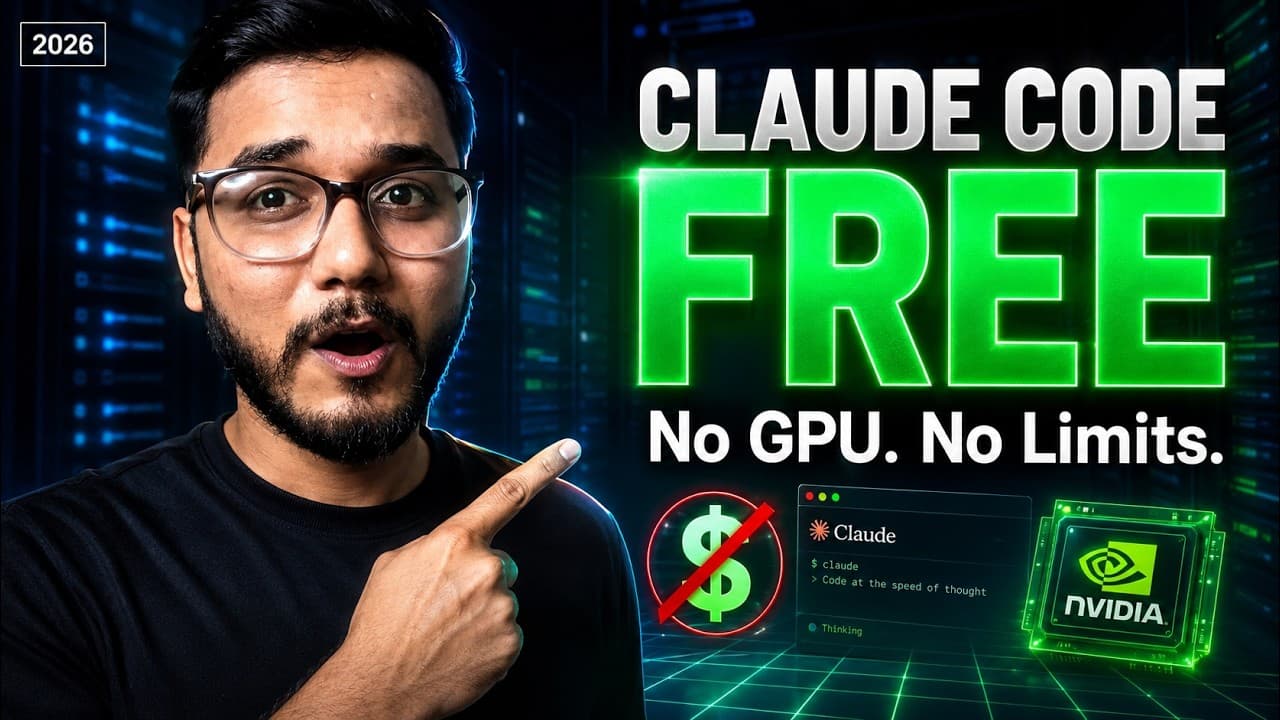
Claude Code itself has no free plan: it needs Pro, Max, Team, Enterprise or a paid Console account. You can still use it for free by pointing it at free models through a proxy (NVIDIA NIM, FreeLLMAPI, OpenCode Zen) or by paying for real Claude models with new AWS account credits. I tested all of them on video.
// contents
- Is Claude Code free?
- The 6 free ways at a glance
- Way 1: NVIDIA NIM through free-claude-code
- Way 2: FreeLLMAPI, many free tiers behind one key
- Way 3: OpenCode Zen free models in VS Code
- Way 4: Real Claude models on AWS Bedrock credits
- Way 5: Skip Claude Code and use OpenCode with free models
- Way 6: Free Claude Code alternatives
- Free vs paid: what you give up
- Which free way should you pick?
- Mistakes that cost money or time
New here? A new build-along tutorial lands on the channel every week.
Subscribe on YouTubeYou can use Claude Code for free, but not the way most people expect. The tool is free to install, while the Claude models behind it are not. Every free setup either swaps in a free model or gets someone else to pay for Claude. I've made a video for each of these setups, so this page puts them side by side: what each one costs you in setup time, limits and quality, and which one I would pick.
Is Claude Code free?
No. Anthropic's setup docs list the accounts that can run Claude Code: Pro, Max, Team, Enterprise or a Console (API) account. The free claude.ai plan is not on that list. A new Console account gets a small one-time credit, but that's a short trial, not a way to code every day.
The thing that makes free setups possible is one setting. Claude Code reads ANTHROPIC_BASE_URL and sends its requests to whatever server that points to. Point it at a proxy that talks to a free model provider, and Claude Code keeps working with the same commands, the same agent loop and the same VS Code extension. The answers come from a different model.
Keep that in mind for everything below: free Claude Code means the Claude Code tool on a free model, unless you go the AWS credits route.
The 6 free ways at a glance
I've tested six setups, and they split into two groups.
The first four keep Claude Code on your machine and change only what sits behind it:
- NVIDIA NIM through free-claude-code. No card needed. The catch is NIM's rate limits on busy days.
- FreeLLMAPI. One key with Google, NVIDIA and OpenRouter behind it, so when one runs out another takes over.
- OpenCode Zen in VS Code. Good if you live in the editor, but free models get retired and you'll be changing model IDs.
- AWS Bedrock on new-account credits. The only way to get real Claude models without paying. It works until the credits run out.
The last two drop Claude Code:
- OpenCode with OpenRouter. A terminal agent that takes free models directly, no proxy in between.
- Free alternatives like Antigravity, BlackboxAI and Kombai, if any AI agent in your editor will do.
If you only read one section, read Way 1. That's where I'd start.
Way 1: NVIDIA NIM through free-claude-code
This is the one I use most, and the video on it is the one embedded above. free-claude-code (FCC) is an open-source proxy that runs on your machine. Claude Code talks to FCC, and FCC forwards the request to NVIDIA NIM's free hosted models. Nothing runs on your GPU, so a normal laptop is fine.
The setup changed in September 2026. You no longer clone the repo or copy .env.example. You run the installer, add your NVIDIA key under Providers → NVIDIA NIM in the Admin UI, pick a model, click Apply, and start Claude Code with fcc-claude instead of plain claude.
What breaks: a 401 or 403 means the NVIDIA key was not saved, and slow answers mean the free NIM tier is busy. The full walkthrough with every screen is in the Claude Code NVIDIA NIM free setup guide.
Way 2: FreeLLMAPI, many free tiers behind one key
FreeLLMAPI is also a local proxy, but it collects several free providers at once. On Windows you download the .exe from its GitHub releases page and it serves on localhost port 31415. I added Google AI Studio, NVIDIA NIM and OpenRouter keys, clicked Check on each one, and the dashboard showed 140.90 million tokens per month across them.
Its Agents page gives you the exact setup command for Claude Code and for OpenCode. Both ask for one unified key, and FreeLLMAPI decides which provider answers. If one free tier hits its limit, another one can take the request, which is the main reason I would pick it over a single provider.
The step-by-step, including the OpenCode config error I hit, is in the FreeLLMAPI setup guide (video).
Way 3: OpenCode Zen free models in VS Code
If you want Claude Code inside VS Code rather than only in the terminal, this setup uses an OpenCode Zen key. You create the key in the OpenCode console, set the model in Claude Code's settings, test it in the terminal first, then open the VS Code extension.
One honest warning: the models I used in the video, MiniMax M2.5 and DeepSeek V4 Flash, were free when I recorded and are deprecated now. The steps stay the same with any current free model ID, but you have to copy that ID from the console yourself. Details in the Claude Code free in VS Code guide (video).
Way 4: Real Claude models on AWS Bedrock credits
This is the only way on this page that gives you actual Claude models without paying out of pocket, and it only lasts as long as the credits. New AWS accounts get $100 in credits at sign-up plus up to $100 more for onboarding activities, on a free plan that ends after 6 months or when the credits are gone. Amazon Bedrock is one of the services on that free plan, and Claude Code can run on Bedrock with CLAUDE_CODE_USE_BEDROCK.
Check two things before you count on it. First, which Claude models your account can enable in the Bedrock console. Second, set a budget alert, because Bedrock bills your AWS account once the credits run out. Usage on Claude models eats credits fast if you leave an agent running on a big task.
Start with the AWS free credits guide, then the Claude Code with AWS Bedrock setup (video). If Bedrock throws "Operation not allowed", the Bedrock error fix covers each cause.
Way 5: Skip Claude Code and use OpenCode with free models
Sometimes the honest answer is to drop Claude Code. OpenCode is an open-source terminal agent that speaks the OpenAI format, so free providers plug in without a proxy. I connect it to an OpenCode Zen key and to OpenRouter, where free model IDs usually end with :free.
Configure a second free model before you hit a rate limit, not after. That one habit saves most of the "it stopped working" moments. Guides: OpenCode with OpenRouter and the free OpenCode setup without a GPU.
Way 6: Free Claude Code alternatives
If you mainly want an AI agent in an editor and don't care about Claude Code itself, Antigravity 2.0 gives you a VS Code style editor with a built-in agent, BlackboxAI adds chat and autocomplete as an extension, and Kombai handles frontend work. I covered them in free Claude Code alternatives and part 2 with Kombai and OpenRouter.
Free vs paid: what you give up
I gave paid Claude Code (Sonnet 5.5) and free OpenCode (DeepSeek V4.1 Flash) the same one-shot prompt to rebuild linear.app. Claude Code scored 84 and OpenCode 71. Claude Code finished in about 9 minutes, OpenCode in about 37. Claude Code's build averaged about 98 on Lighthouse, OpenCode's about 52.
The free side was not useless. OpenCode won visual match because it re-checked its own build with Playwright. But the gap is real, and it shows up most on long tasks and mobile layout. The full scorecard is in Claude Code vs OpenCode.
My take: free setups are fine for learning, side projects and small fixes. If you code for a client every day, the paid plan pays for itself in time saved.
Which free way should you pick?
- You want Claude Code and have no card: NVIDIA NIM through free-claude-code.
- You keep hitting rate limits: FreeLLMAPI, so several free tiers share the load.
- You work in VS Code: the OpenCode Zen setup.
- You want real Claude for a few weeks: AWS Bedrock on new-account credits, with a budget alert on.
- You don't need Claude Code specifically: OpenCode with OpenRouter free models.
Seedha point: if you're starting today and don't know which one, start with NVIDIA NIM. It's the least moving parts for a working Claude Code.
Mistakes that cost money or time
- A real Anthropic key left in your environment. If
ANTHROPIC_API_KEYfrom an old setup is still set, Claude Code can use it and bill you. Check your shell profile before you switch to a free proxy. - Old model IDs from a tutorial. Free models get retired. Copy the current ID from the provider's console, not from a video, including mine.
- Keys in Git. Settings files with API keys end up in commits. Keep them out of the repo and rotate a key the moment it leaks.
- No budget alert on AWS. Credits end quietly, and the bill doesn't.
- Expecting "unlimited". Every free tier has limits. Plan for a fallback model.
New to the whole series? Start with NVIDIA NIM, then try FreeLLMAPI when you hit your first rate limit.
- Claude Code has no free plan; the free claude.ai account does not include it.
- Free setups keep the Claude Code tool and swap the model through ANTHROPIC_BASE_URL.
- NVIDIA NIM through free-claude-code is the setup I use most: no GPU, no card.
- FreeLLMAPI stacks several free tiers behind one key; my dashboard showed 140.90 million tokens a month.
- New AWS accounts get credits that can pay for Claude models on Bedrock, until they run out.
- Free models lost to paid Claude Code in my same-prompt test, 71 to 84.
Is Claude Code free?
Can I use Claude Code without a subscription?
Is free Claude Code unlimited?
Which free model works best with Claude Code?
Do free models code as well as Claude?
Claude Code free kaise use kare?
New posts in your inbox
Subscribe to get every tutorial.