Amazon Bedrock API Key + Roo Code in VS Code: Setup Guide

Create a Bedrock API key in the AWS console, install Roo Code in VS Code, choose Amazon Bedrock as the provider, paste the key, and select a Claude model that is enabled in your region.
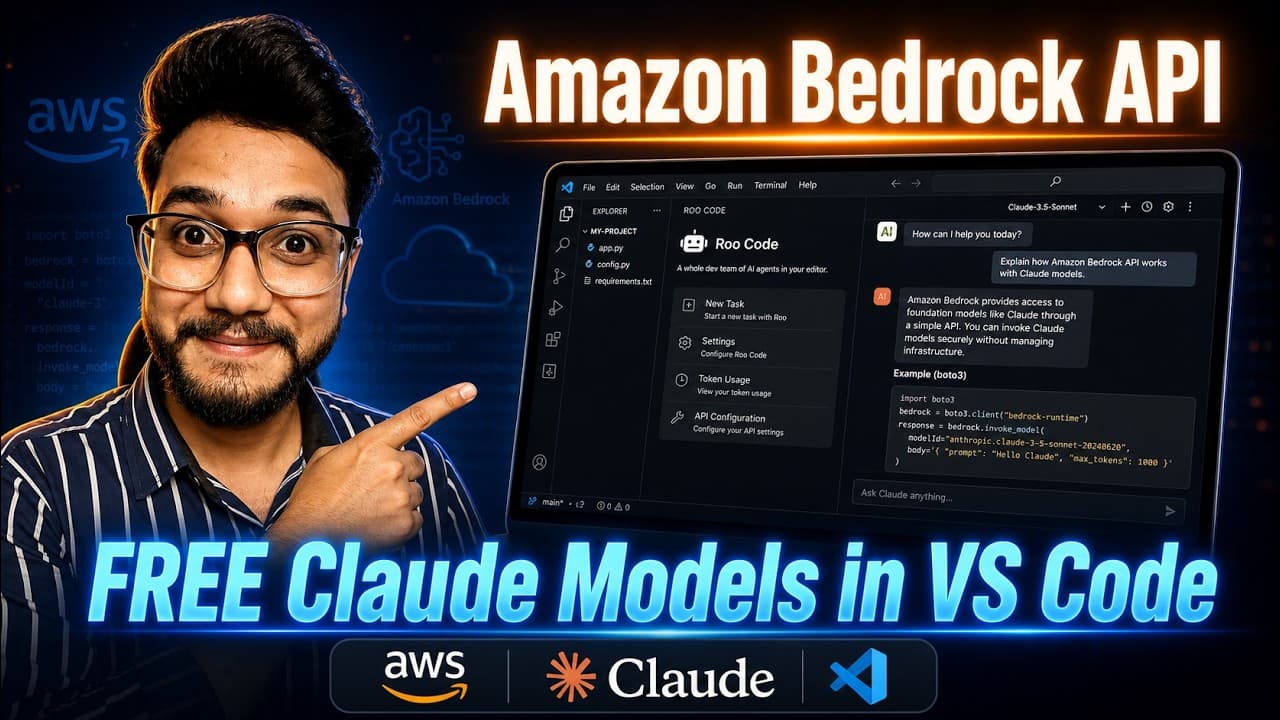
Anthropic subscriptions are not the only way to use Claude in an editor. AWS Bedrock provides the same model family through your AWS account, and Roo Code can talk to it directly. The only credential you need for the quick route is a Bedrock API key.
This is useful if your team already runs on AWS, if you want one bill, or if you want IAM-level control over which models are available.
What is Bedrock?
Bedrock is AWS's managed model service. You do not run a server or download weights. You enable a model, call it with your credentials, and pay per token. It supports Claude models as well as other providers.
The console handles the key and model access. The editor handles the chat and code edits.
Step 1: Enable model access
Open the Bedrock console, go to model access, and request the Claude model you want. Wait until the status says access is granted.
If the model is not available in your current region, switch to a supported region. Bedrock access is regional, and this is the most common source of confusion.
Step 2: Generate the Bedrock API key
In the Bedrock console, open the API keys section and create a key. Give it a description you will recognize, and set an expiry if the console offers one.
Copy the key once. AWS may not show it again. Store it in a password manager, not in a project file.
Remember that this is a Bedrock key, not an IAM access key. It is a bearer token, which means anyone who has it can use it until it expires or is revoked.
Step 3: Install Roo Code
In VS Code, open the Extensions view, search for Roo Code, and install it. Reload the window if the panel does not appear.
Roo Code is an agent-style extension: it can read files, propose edits, and run commands. Treat it like a coding agent, not a chatbot. Review diffs before accepting them.
Step 4: Connect the key
Open the Roo Code settings and choose Amazon Bedrock as the provider.
- Authentication: API key
- API key: paste the Bedrock key
- Region: the region where you enabled the model
If the extension asks for an AWS profile instead, you are in the wrong auth mode. The API key mode does not need an access key or secret.
Save the settings, then reload VS Code if the provider status does not refresh.
Step 5: Select the model
Open the model picker and choose a Claude model that is enabled in that region. If the list is empty:
- Confirm model access in the Bedrock console.
- Confirm the region matches.
- Refresh the model list in Roo Code.
- Restart VS Code.
Some models use an inference profile. If the extension shows a separate profile ID, select that instead of the bare model name.
Step 6: Test it
Open a small project and ask a question that requires reading a real file:
Explain the purpose of src/index.js and point out any risky code.
Then try a small edit and review the diff. If the request fails, the error usually falls into one of these groups:
- Authentication: the key is wrong, expired, or pasted with a space.
- Access: model access is not granted in this region.
- Model: the model ID is not available or needs an inference profile.
- Quota: your account has a Bedrock limit or a billing issue.
Cost and safety
Bedrock is pay per token. A long agent session that reads many files can cost more than you expect. Set an AWS Budget alert before you use it heavily.
- Do not commit the key.
- Do not share screenshots that show the key.
- Revoke and rotate the key if it leaks.
- Use a separate AWS account or key for experiments.
- Keep the model list narrow if you are managing a team.
Final thoughts
The Bedrock API key removes most of the setup friction. Enable the model, create the key, install Roo Code, pick the region and model, and test on a real file. If your work already lives in AWS, this is a clean way to add Claude to your editor without another subscription.
- Generate the key in the Bedrock console, not the IAM console.
- The key is a bearer token scoped to Bedrock access.
- Choose the same region in Roo Code that has model access enabled.
- If a model is not listed, request access or switch regions.
- Set a budget alert because usage is billed per token.